Today and Top 3
Choose up to three active priorities, keep extra tasks in the queue, capture inbox items, review stale work, and switch to a smaller day when needed.
Northpath · iPhone & iPad
A calm, privacy-first planner that helps you choose what matters today, protect time for it on your calendar, track student work, and end the day with one clear next step.
Real app captures
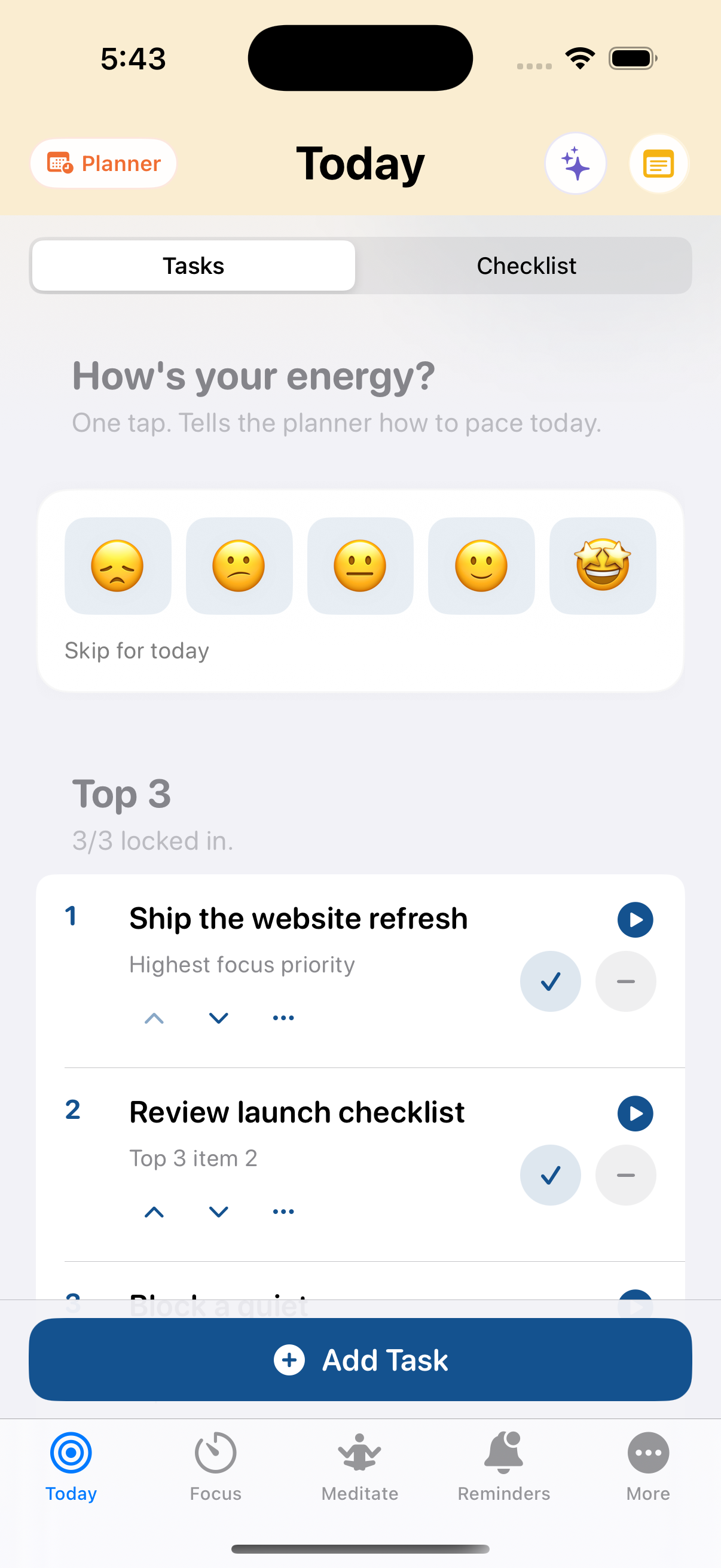
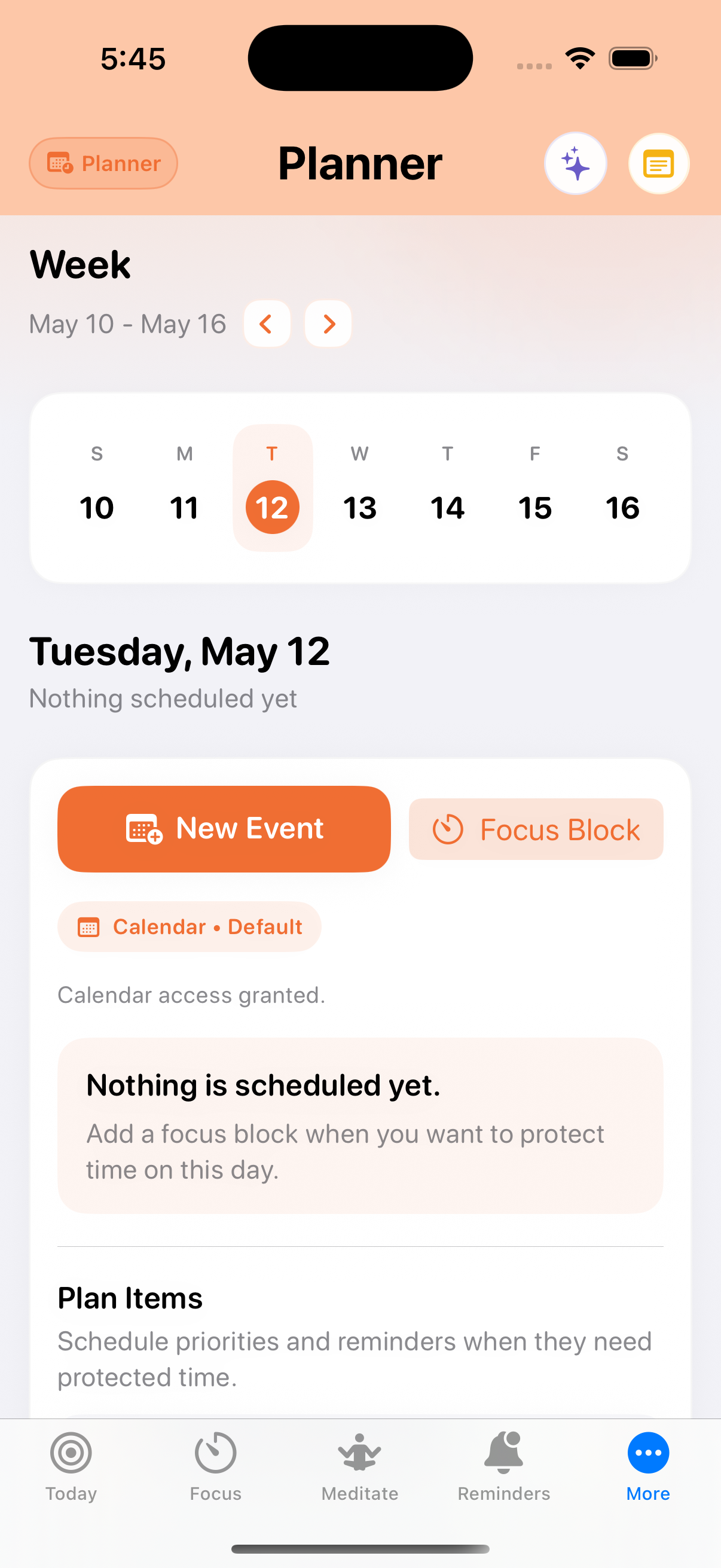
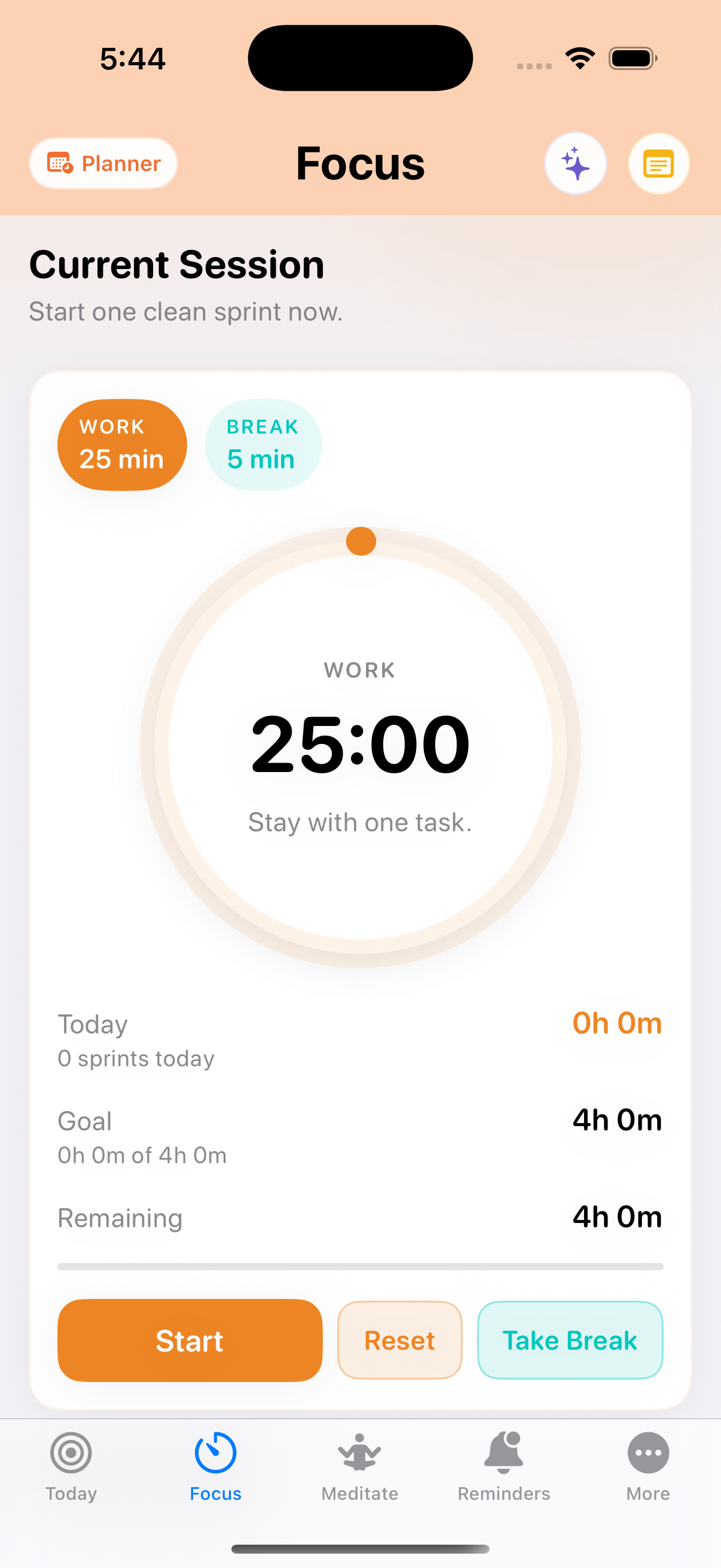
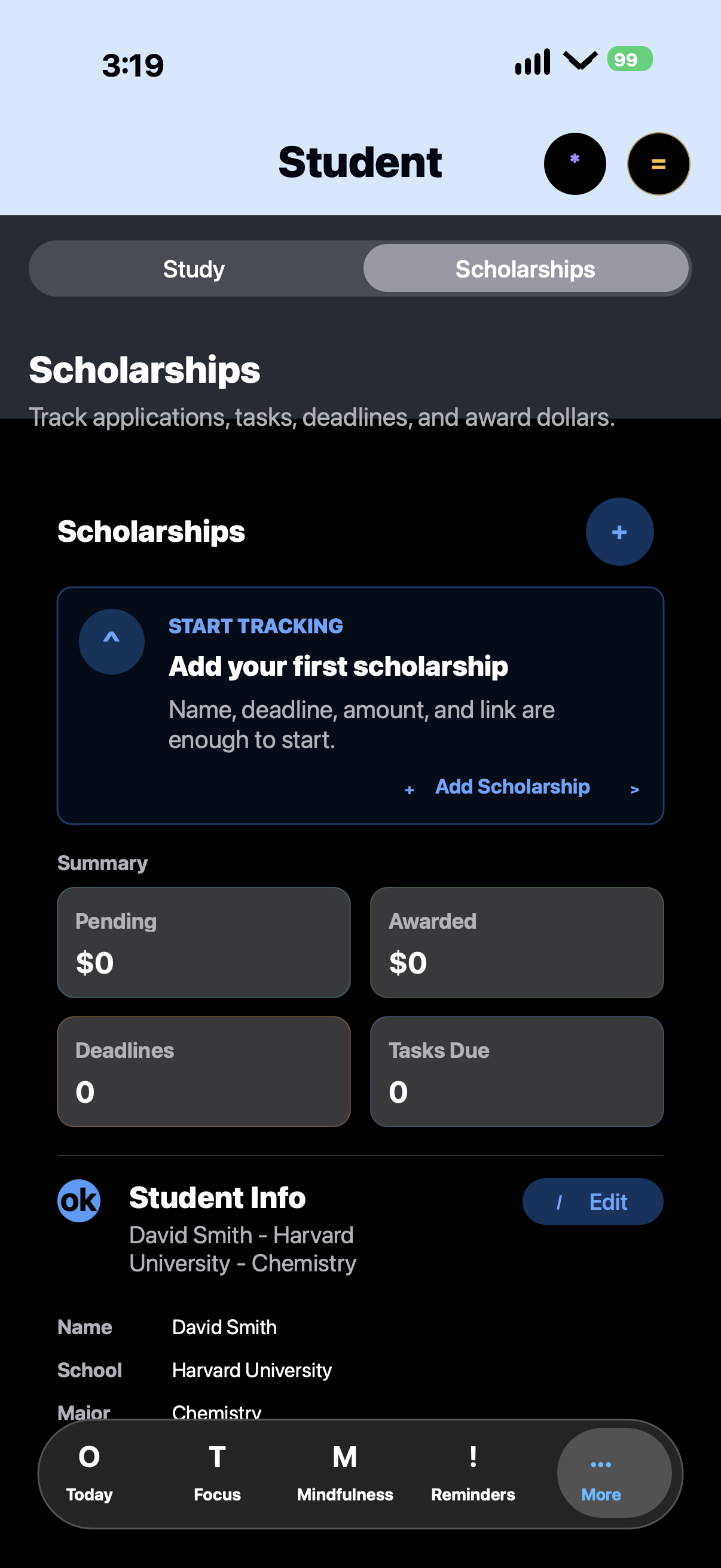
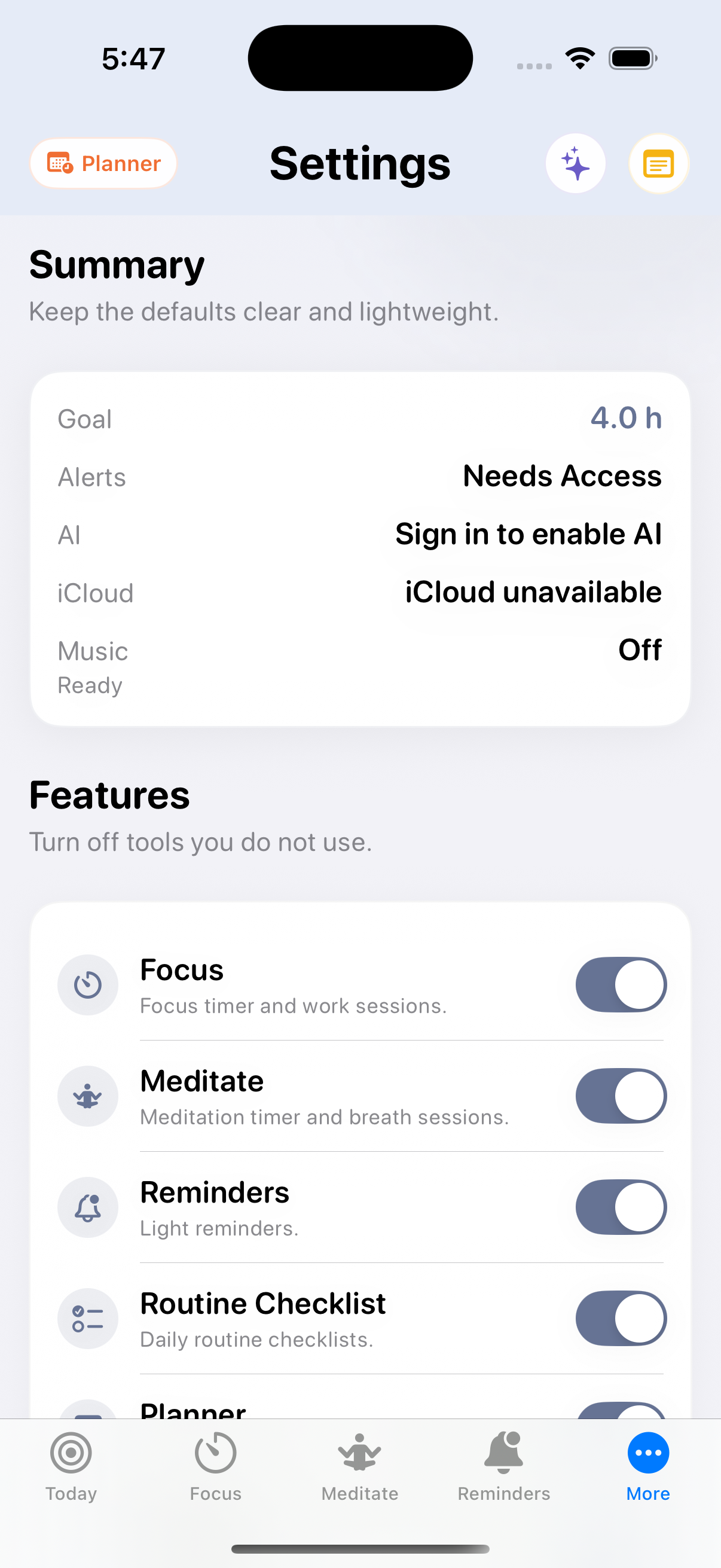
These screenshots come from the running app. They show the real Today, Focus, Planner, Student, and Settings surfaces in iPhone captures, with iPad compatibility.
Complete feature set
Choose up to three active priorities, keep extra tasks in the queue, capture inbox items, review stale work, and switch to a smaller day when needed.
Log morning energy, ask for a next action, break down a hard task, trim an overloaded list, or use Today is hard mode for a gentler plan.
See the selected week, create app-authored focus blocks, schedule priorities and reminders, and avoid editing calendar events Northpath did not create.
Run work and break sessions, track daily focus progress, attach a Top 3 task, and optionally start Apple Music or Spotify playlists.
Use a separate meditation timer with calming sounds, presets, music options, history, and live timer state independent from focus work.
Save light reminders, group routine checklist items by time of day, schedule digest nudges, and check off daily anchors.
Keep priorities, routines, journal entries, study tools, and settings available across your iPhone and iPad through your private iCloud database.
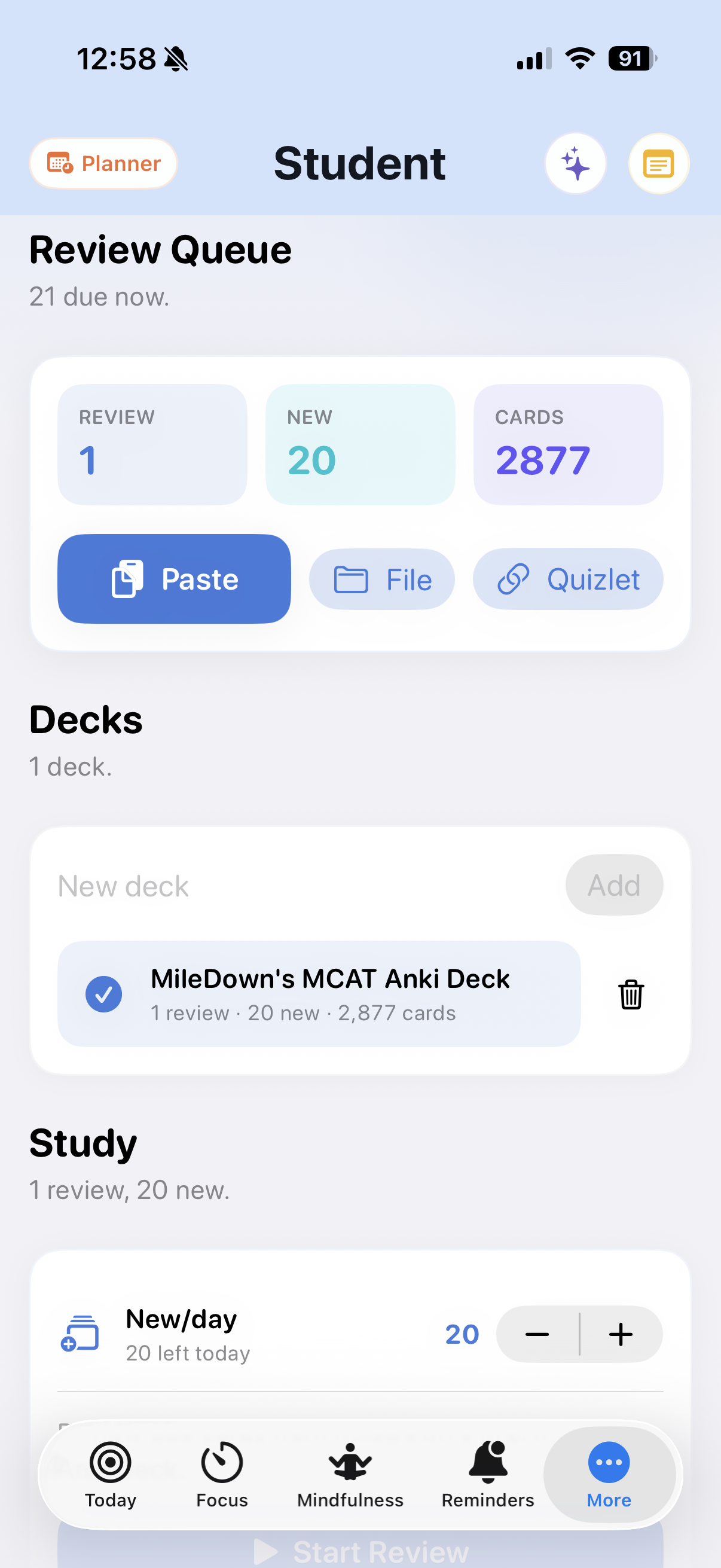
Build study decks, review flashcards, cap new cards per day, track review history, and keep study targets visible from the Focus screen.
Save opportunities, amounts, deadlines, links, tasks, documents, student info, calendar reminders, and follow-up drafts in one student workflow.
Start a daily log, capture free-form journal entries, save quick wins, and finish the day with a review that can carry work forward.
Open fast notes from the header, save text notes, keep voice memo references, and capture loose thoughts without leaving the current flow.
Keep a simple shopping list for manual grocery capture and transfers from meal planning data when those tools are enabled.
Earn calm progress markers for meaningful completion without turning the app into a noisy streak machine.
Route suggestions through Apple Intelligence when available, with an authenticated Northpath backend fallback only when the user signs in.
Manage feature visibility, permissions, notification timing, music, export, deletion, support, privacy, and terms.
Use gentle start-of-day, open-slot, routine, and review nudges with privacy conscious notification text.
Student support
Northpath brings flashcard review into the same place where you plan your priorities, schedule focus time, track applications, and review the day. Choose a realistic study target, keep scholarship work visible, and move one academic next step forward at a time.
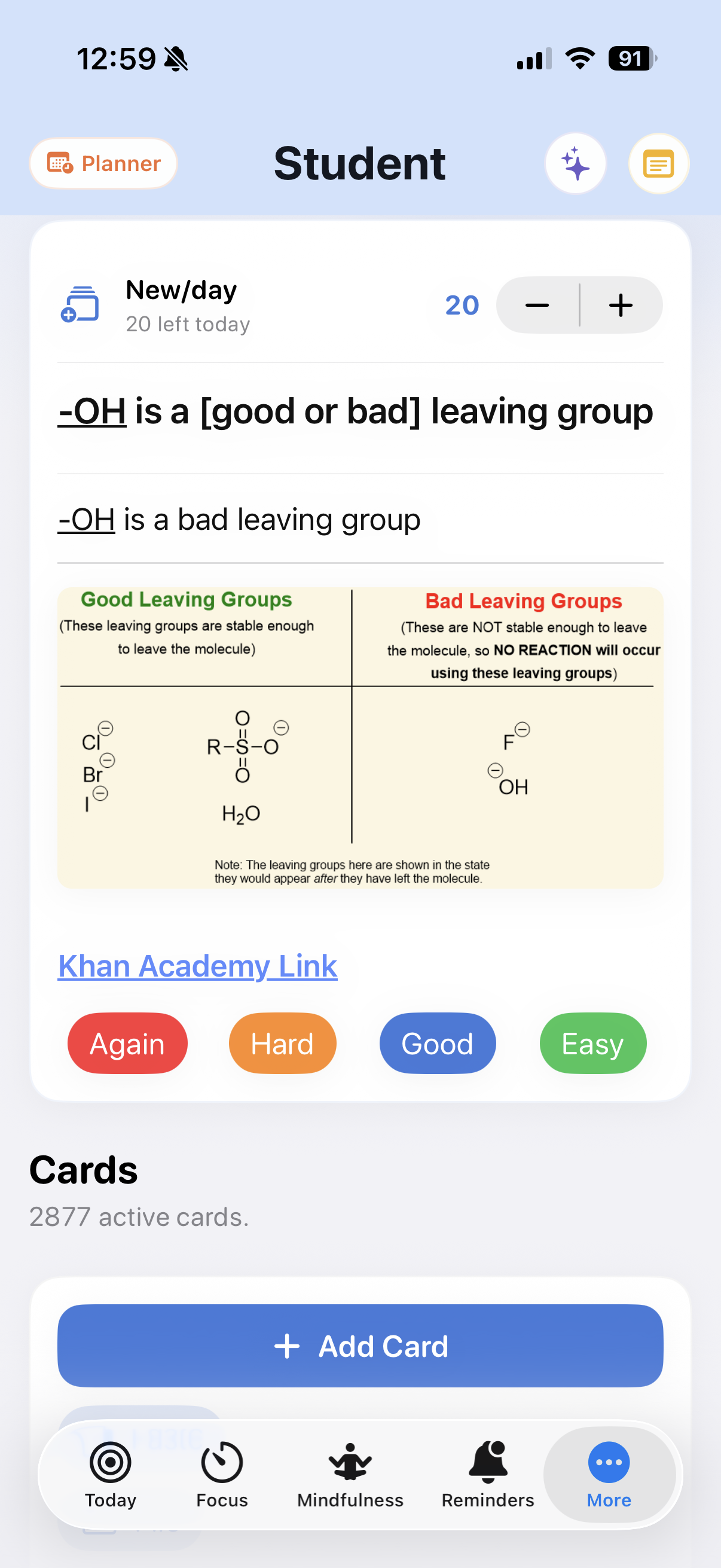
Import APKG, TXT, TSV, CSV, XLS, Quizlet, and Anki text decks. Review cards with familiar Again, Hard, Good, and Easy grading.
Set daily new-card limits and review goals for high-volume study plans like the USMLE, MCAT, bar exams, language learning, and certification prep.
Use the Pomodoro-style Focus timer to protect study time, get timely flashcard suggestions, and end the day knowing exactly what moved forward.
Scholarships
Start with a scholarship name, deadline, amount, and link. Northpath shows pending and awarded totals, upcoming deadlines, tasks due, student info, documents, and the next action.
Save provider details, award amounts, links, requirements, and local document references.
Add tasks, sync dates to Calendar when allowed, and get reminders for deadlines and follow-ups.
Record submitted, awarded, accepted, paid, or renewal status and draft follow-up or thank-you emails when requested.
How it fits together
Drop tasks, notes, reminders, routines, study work, scholarships, or groceries where they belong.
Pick a realistic Top 3 and move the rest into the queue, inbox, or review.
Use Planner on iPhone or iPad to put important work into calendar time and keep the day visible.
Start a sprint, meditate, check routines, and use music only when it helps.
Record wins, journal the day, carry work forward, and close the loop.
Data practices
Northpath is built for personal routines, calendars, notes, and focus history, so privacy is treated as part of the product experience.
Personal planning data is stored on your device first. Export, feature controls, and deletion are available from Settings.
Multi-device sync uses your private iCloud database so your planning context can stay available across your own iPhone and iPad.
Northpath does not sell personal data, run third-party advertising, or use personal data for cross-app tracking.
Supported devices use Apple Intelligence on device. Cloud AI fallback is available only when you sign in and request an AI feature.